

Aristois - Autofarm, bhop, ghostmode чит на Minecraft | 1.8.9 - 1.21.4


4.3
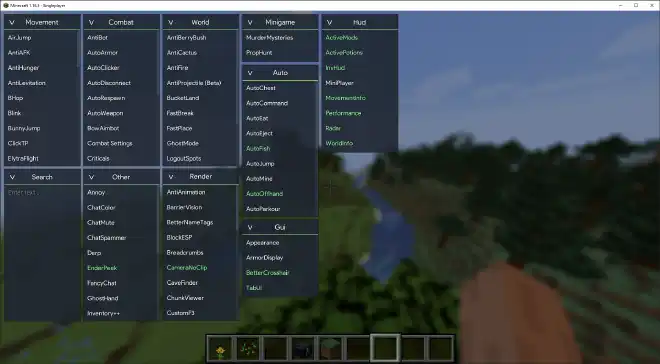
Aristois предлагает более 100 внутриигровых модулей для расширения и улучшения игрового процесса в Minecraft. С упором на PvE, мы предлагаем современный и персо…
🕒 Updated:
05 May 2025

57K

191K

315
 Author: Aristois.net
Game: Minecraft
This modification is launched via the ExLoader app — no third-party injectors needed. Free. Windows 10/11 x64.
How to launch Aristois in Minecraft
- Download and install ExLoader using the button above.
- Open Minecraft in the library and select Aristois.
- Check the current build status, then press Launch in the app.
Compatibility and updates
Aristois is listed for Minecraft and maintained by Aristois.net. The modification information was last updated on 05 May 2025. After a game patch, check the live status page before launching the build.